Remove image backgrounds automatically
Get a clean, transparent PNG in seconds. Full resolution, no watermark — and your photo never leaves your device.


Remove a background in 3 steps
No account, no waiting, no software to install.
Upload your image
Drop, paste or select any JPG, PNG or WebP photo.
AI removes the background
The subject is detected and the background removed automatically.
Download
Keep it transparent or add a new background, then download in full resolution.
Everything you need for perfect cutouts
Professional results without the subscription.
Precise AI cutouts
People, products, pets and busy scenes, with clean edges around hair and fur.
100% private
Processing happens on your device. Nothing is uploaded to any server.
Unlimited & free
No credits, no daily limits and no watermarks.
Full resolution
Download at original quality as PNG, WebP or JPG.
Manual touch-ups
Erase and restore brushes plus one-click magic tools.
Change background
Solid colors, gradients or your own photo, swapped instantly.
Everything for your photos
Passport photos, resizing, compression and conversion — all free and private.
 AI
AI
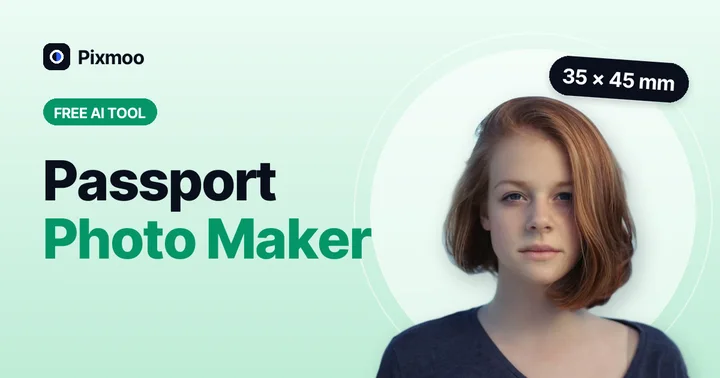
Passport Photo Maker
Passport & visa photos with white background in 35×45 mm, 2×2 in and more.
Open tool →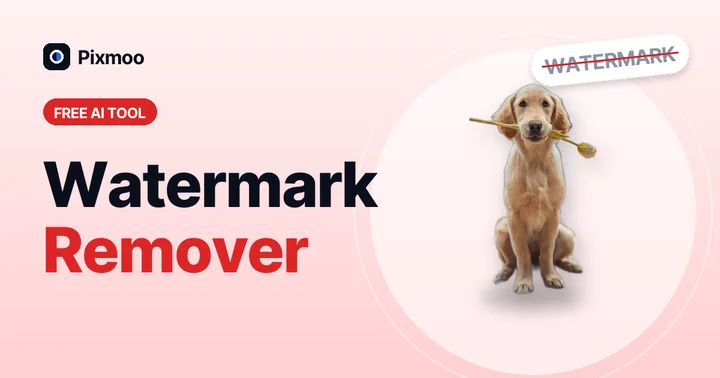 AI
AI
Watermark Remover
Box-select a watermark — AI detects it and keeps refining until it's gone.
Open tool →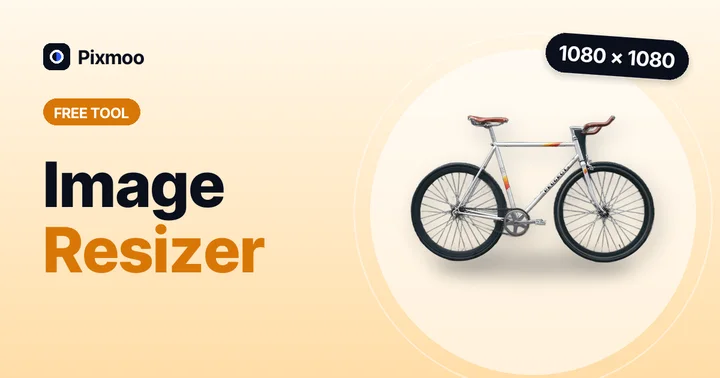
Image Resizer
Change width and height in pixels or by percentage, with aspect lock.
Open tool →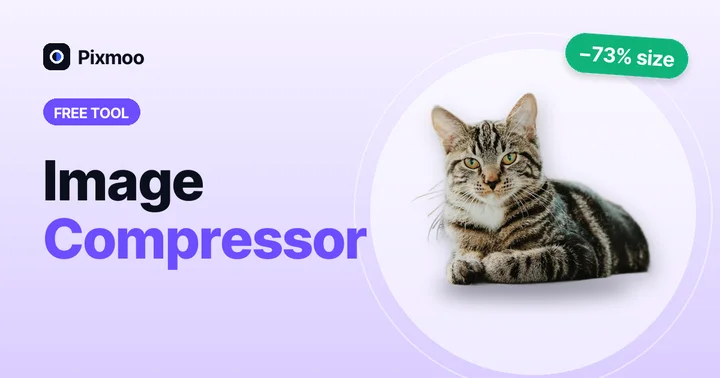
Image Compressor
Shrink JPG, PNG and WebP file size with a quality slider, in batches.
Open tool →
Image Converter
Convert JPG ↔ PNG ↔ WebP in batches, keeping transparency.
Open tool →Works with any kind of photo
Free online background remover
Pixmoo is a free AI background remover that runs entirely in your web browser. Upload a photo and the background is erased automatically in a few seconds, leaving a clean, transparent PNG you can drop into any design. There is no sign-up, no watermark and no limit on how many images you process.
Transparent backgrounds in seconds
Whether you need a transparent background for a logo, a white background for an Amazon or Shopify product photo, or a clean cutout for a thumbnail, Pixmoo handles it — and you can fine-tune anything with the erase and restore brushes.
Private by design
Most online background removers upload your pictures to a server. Pixmoo doesn't. The AI model downloads once to your browser and every image is processed on your own device, so passport photos, ID pictures and client work stay private.
Change the background, too
Swap in white, black, any custom color, a gradient or your own photo. It's an easy way to change a photo background to white or create a professional headshot background.
Guides & tutorials
Learn how to get perfect results every time.
 Guide
Guide
How to Remove a Watermark from a Photo (Free, AI-Powered)
Remove text, logos, date stamps and watermarks from your own photos for free with an AI inpainting tool. Step-by-step guide, tips for clean results, and what's legal.
Read article → Portraits
Passport Photo Size by Country: Complete Guide (mm, inches & pixels)
Passport photo sizes for the USA, UK, EU, Pakistan, India, Canada, China and more — in millimetres, inches and pixels at 300 DPI, plus background color rules.
Read article → Basics
How to Compress an Image Without Losing Quality
Reduce image file size by 50–80% with no visible quality loss. Learn the best format, quality setting and size for websites, email and uploads — free and online.
Read article → Guide
Guide
How to Make an Image Background Transparent (Free, 3 Easy Ways)
Learn how to make an image background transparent for free in seconds — online, on Windows, Mac and phone. Save as transparent PNG without losing quality.
Read article → Basics
Image Sizes for Social Media: Instagram, YouTube, Facebook & More
The right image sizes in pixels for Instagram posts and stories, YouTube thumbnails, Facebook, LinkedIn, X and TikTok — plus how to resize your photos for free.
Read article → Ecommerce
How to Remove the Background from Product Photos for Amazon, Shopify & Etsy
A complete guide to product photo background removal for ecommerce. Meet Amazon's white background rule, keep a consistent catalog and boost conversions — free.
Read article →Frequently asked questions
Is Pixmoo really free?
Yes. There are no credits, daily limits or watermarks. Processing runs in your browser, so there are no server costs to pass on to you.
Are my photos uploaded to a server?
No. The AI model runs locally in your browser, so your images never leave your device.
What image formats are supported?
You can upload JPG, PNG and WebP images up to 25 MB, and download the result as a transparent PNG, a smaller WebP, or a JPG.
Why is the very first image a bit slower?
On the first visit your browser downloads and prepares the AI model. After that it is cached, and each image is processed in seconds.
Something wasn't removed perfectly — what can I do?
Open the Refine tab and use Erase or Restore to paint over the area, or Magic erase to remove a region with one click.
Can I use the images commercially?
Yes. Your images are yours. Pixmoo adds no watermark and claims no rights over anything you create.
Ready to remove a background?
Free, unlimited and private. No sign-up needed.